Cadence's AI assistant talks straight from your browser or
desktop to the provider or gateway you chose. Your key is stored
next to your data (in the same encrypted file). We can't see your
prompts, your replies or your usage — there is no Cadence
server in the loop.
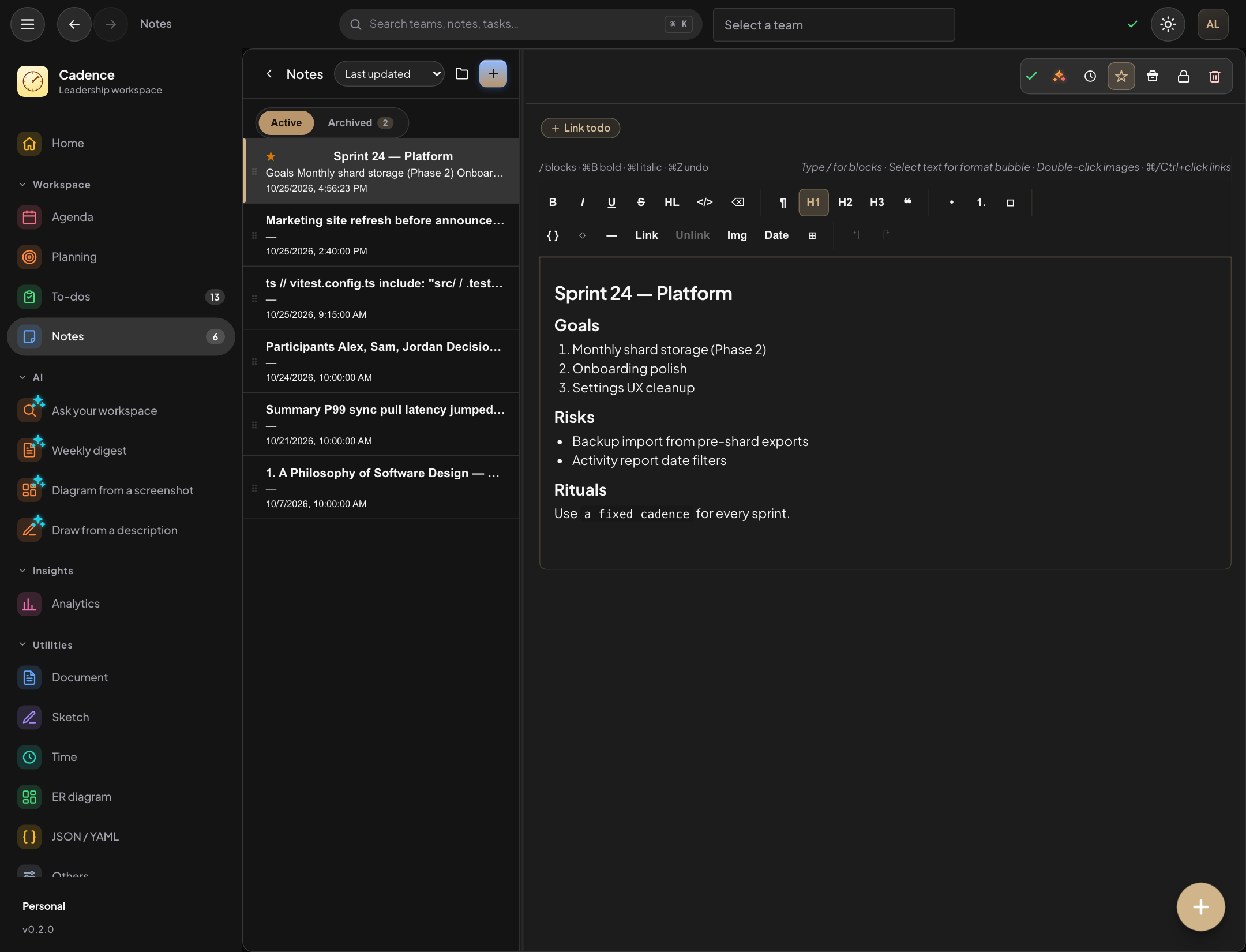
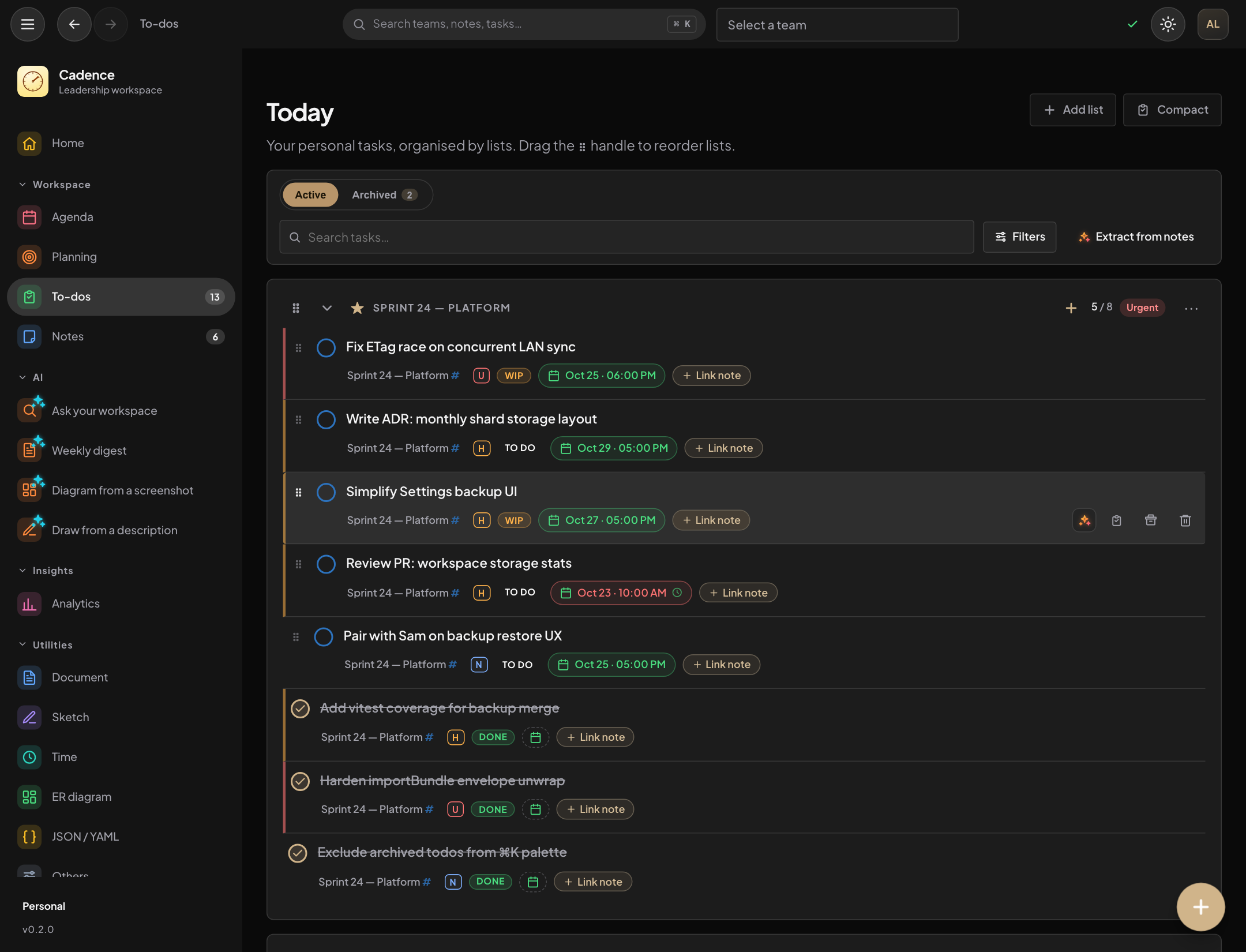
Extract tasks
Turn a note, a selection or a transcript into a task list.
Each suggestion comes with a list and a due date, you review
them, and nothing is added until you say so. Start it from the
/extract slash command, the ✨ menu on a
selection, or ⌘K.
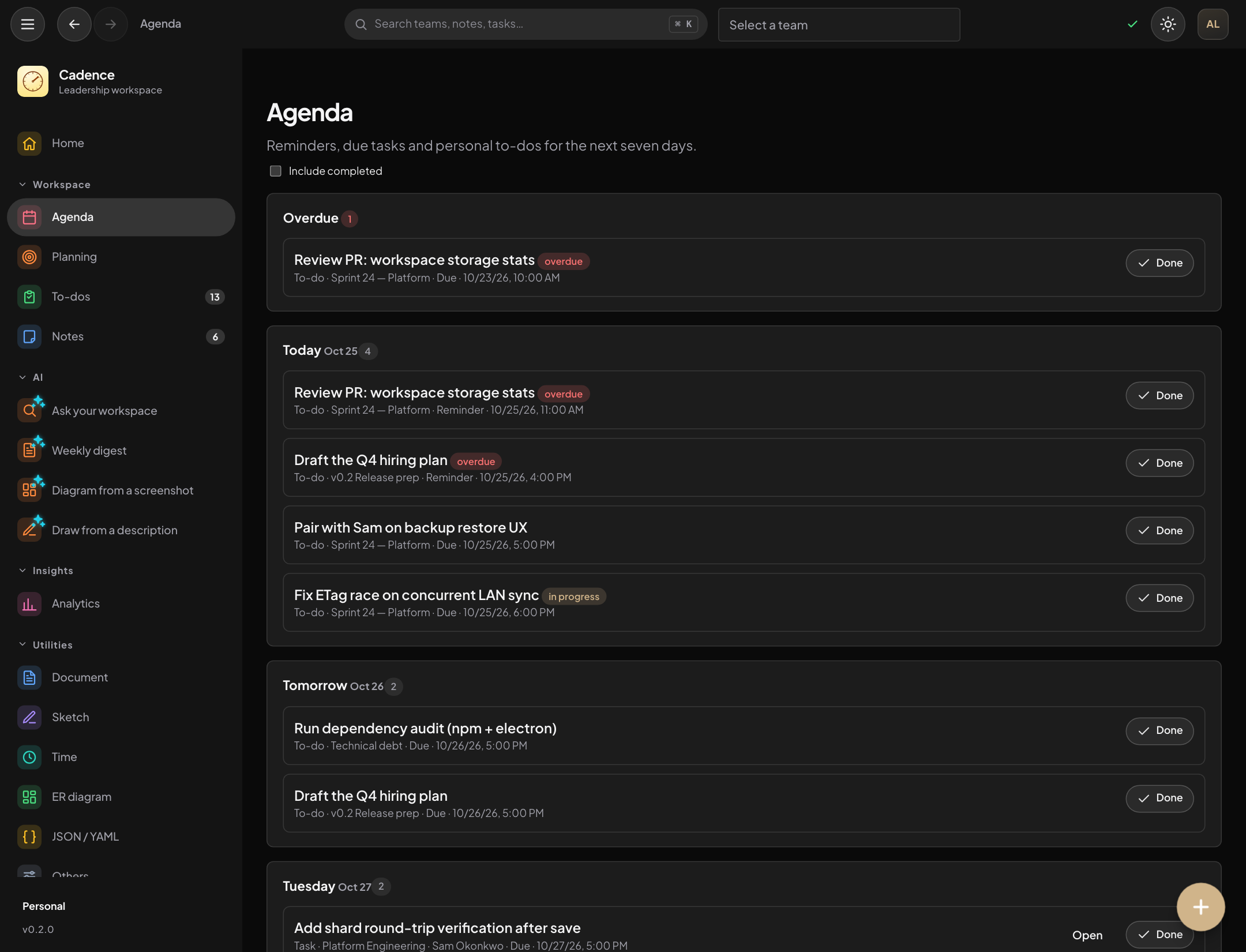
Knows today's date and your lists
Ask AI on a task
Stuck on a task? Choose a focus and the assistant answers with
the task's list, due date and priority in mind. Follow up in
the same conversation, then save the answer to the task.
Plan · Risks · First 15 minutes
Visualize
Select text and turn it into a Mermaid flowchart, sequence or
state diagram. You see the picture first, its syntax is
checked before it is offered, and it is inserted as a new
block after your selection.
Flowchart · Sequence · State
Challenge my idea
A critical read of a note: assumptions, risks, alternatives and
open questions, grounded in what you wrote. Added as a
separate block at the end, only when you say so.
Never rewrites your note
Break down a task
Split a task into small steps you can edit, then keep them as a
checklist in the task's details or create them as separate
tasks in the same list.
Checklist or new tasks
Feedback: SBI, Radical Candor, review
Restate feedback as Situation, Behavior and Impact, as Radical
Candor, or as a review draft, using only what you wrote. It is people data, so it only goes to a
connection you allowed, and ⌘Z brings your text back.
SBI · Radical Candor · Review draft
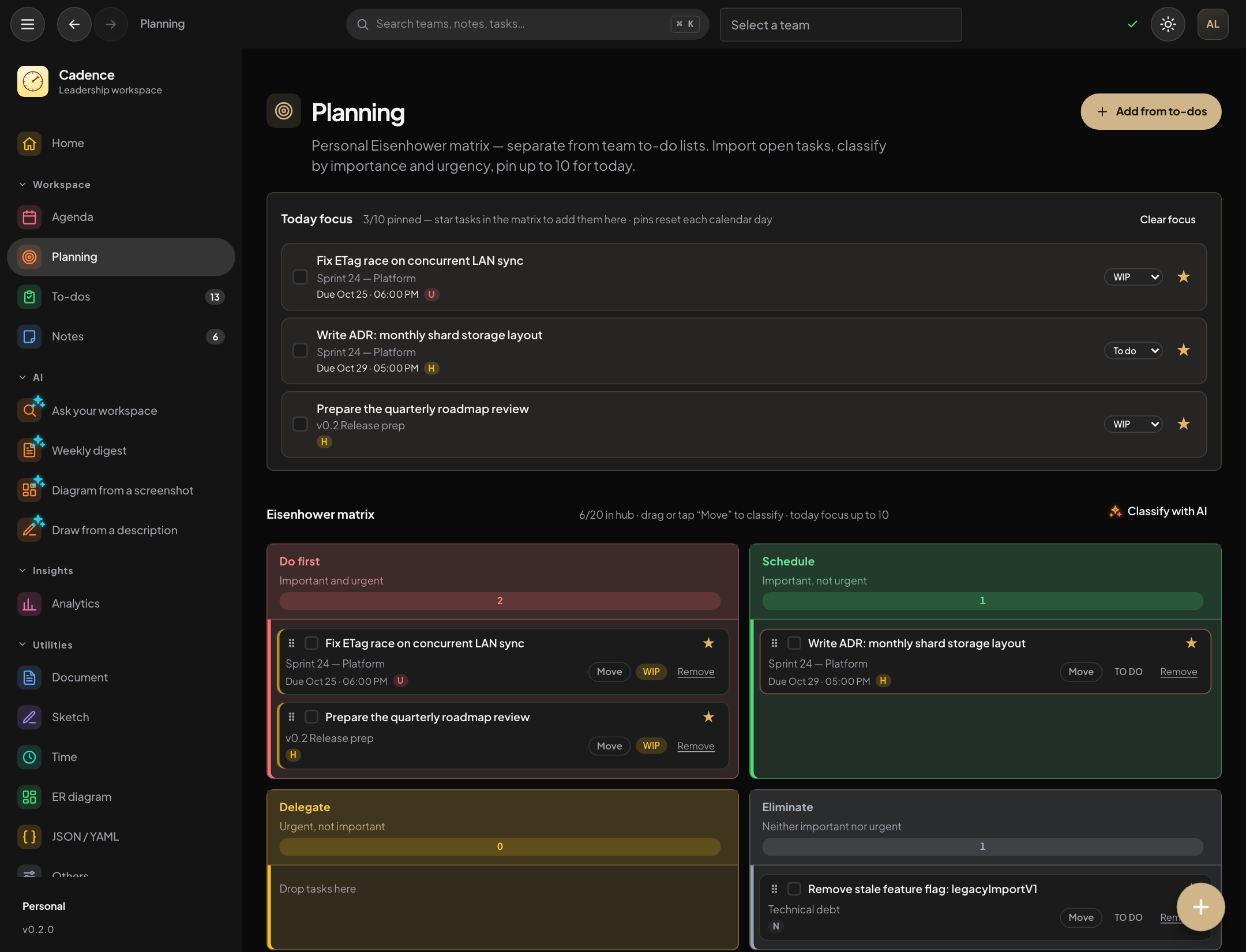
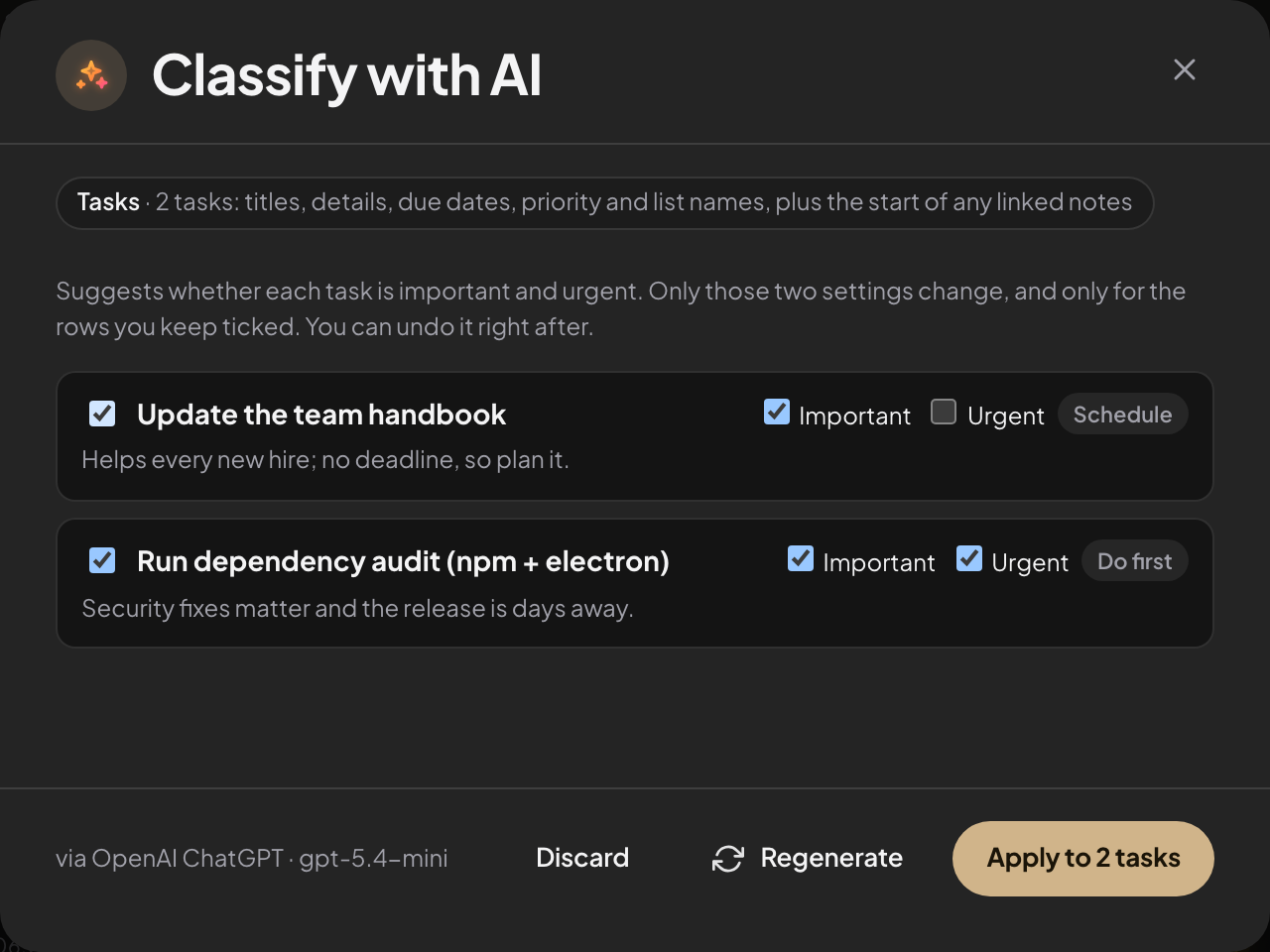
Classify the matrix
Suggests whether unsorted tasks are important and urgent on the Planning matrix, reading each task's title, details, due date and the notes it is linked to. Every suggestion comes with a reason; you keep the rows you want, hand an urgent-but-not-important one to a teammate, and one click undoes it.
Do first · Schedule · Delegate · Eliminate
Tidy a document, invent sample data
Turn a rough document into an outline, an RFC, a meeting summary or a table, then draw it as a Mermaid note or a Sketch board. Or generate records shaped like your sample JSON. Everything lands as something new; your original stays.
New tab, never a replacement
Design tables, convert a sketch
Describe tables in words and tick what to add to your ER diagram, or turn a whiteboard sketch into a Mermaid diagram as a new note. Existing work is never changed.
Additive only
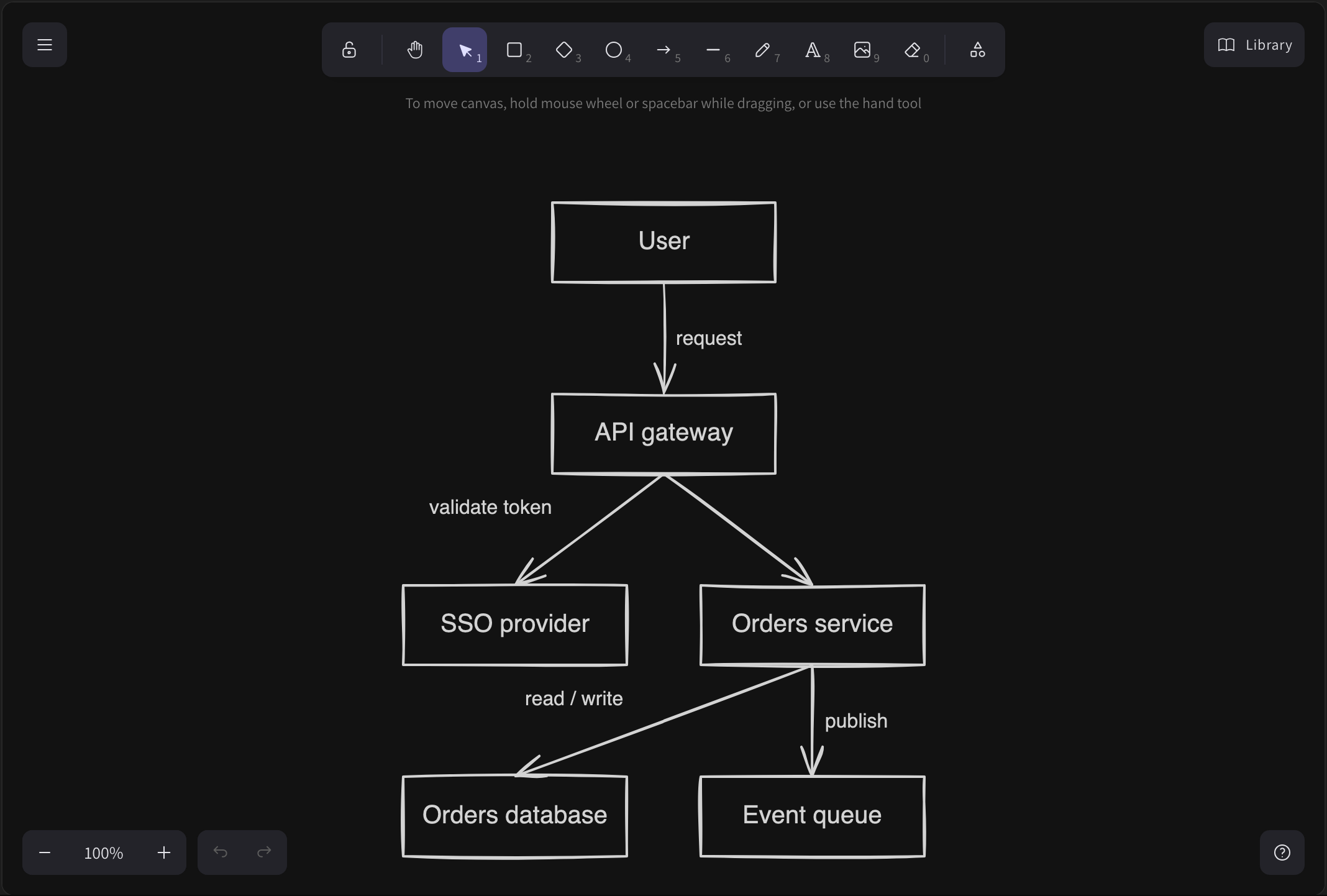
Draw from a description
Say what the diagram should show and get a Mermaid note or a Sketch board with boxes and arrows, then ask for changes ("add a cache"). It is added as something new; nothing existing is touched.
Mermaid or Sketch · Follow-up changes
Diagram from a screenshot
Pick or paste a picture and get Mermaid or an HTML mock-up as a new note. You see the picture before it is sent, and HTML is shown in a frame without scripts.
Needs an image-capable model
Weekly digest
A retrospective, or a status update to send upward, written from the titles and counts of your week. It streams in as it is written; locked notes and people records are never read.
Retro · Upward
Prepare a 1:1
Follow-ups, open goals, feedback to give and questions from one person's records, without sending their name. Saved as a note on the person only when you say so.
People data, gated
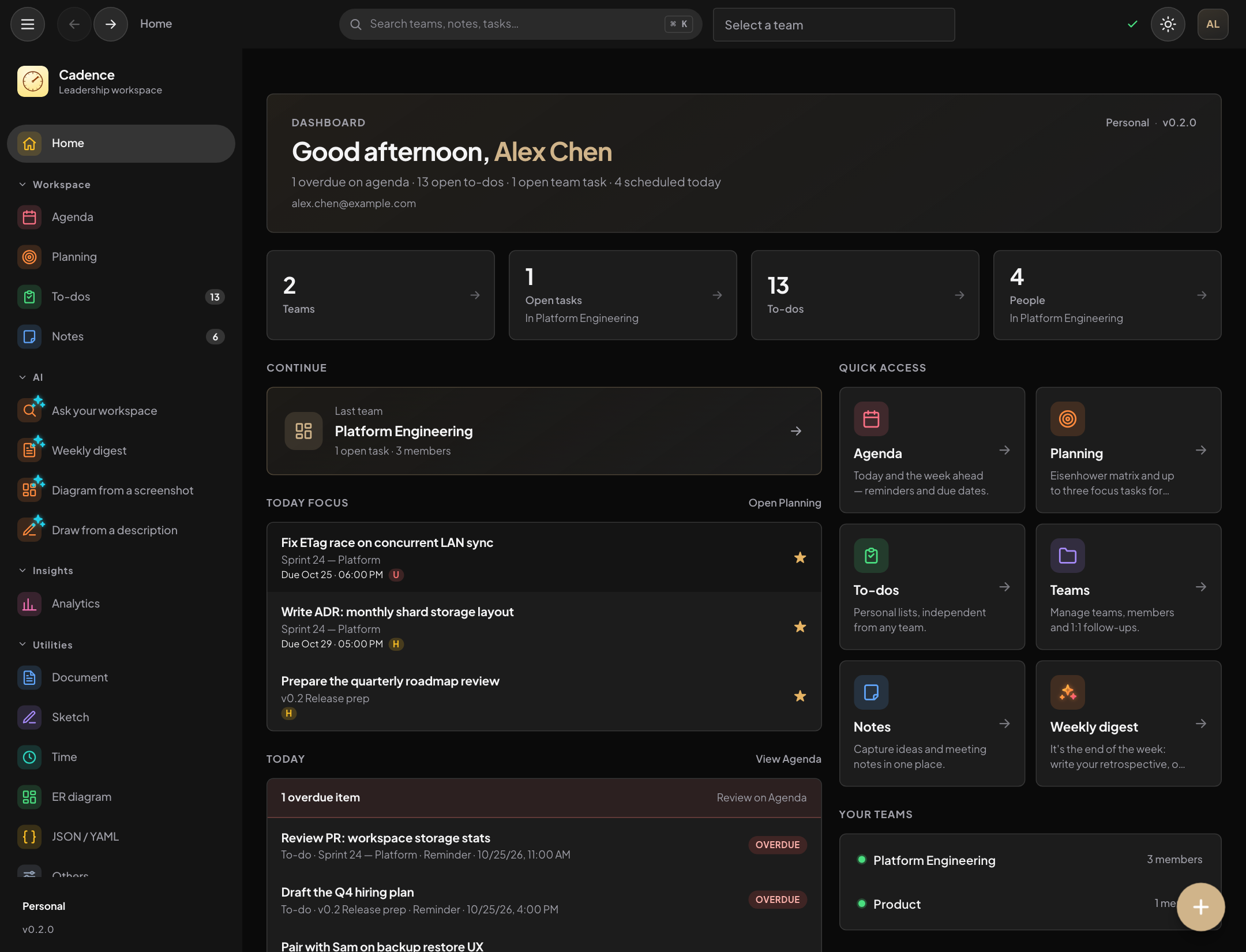
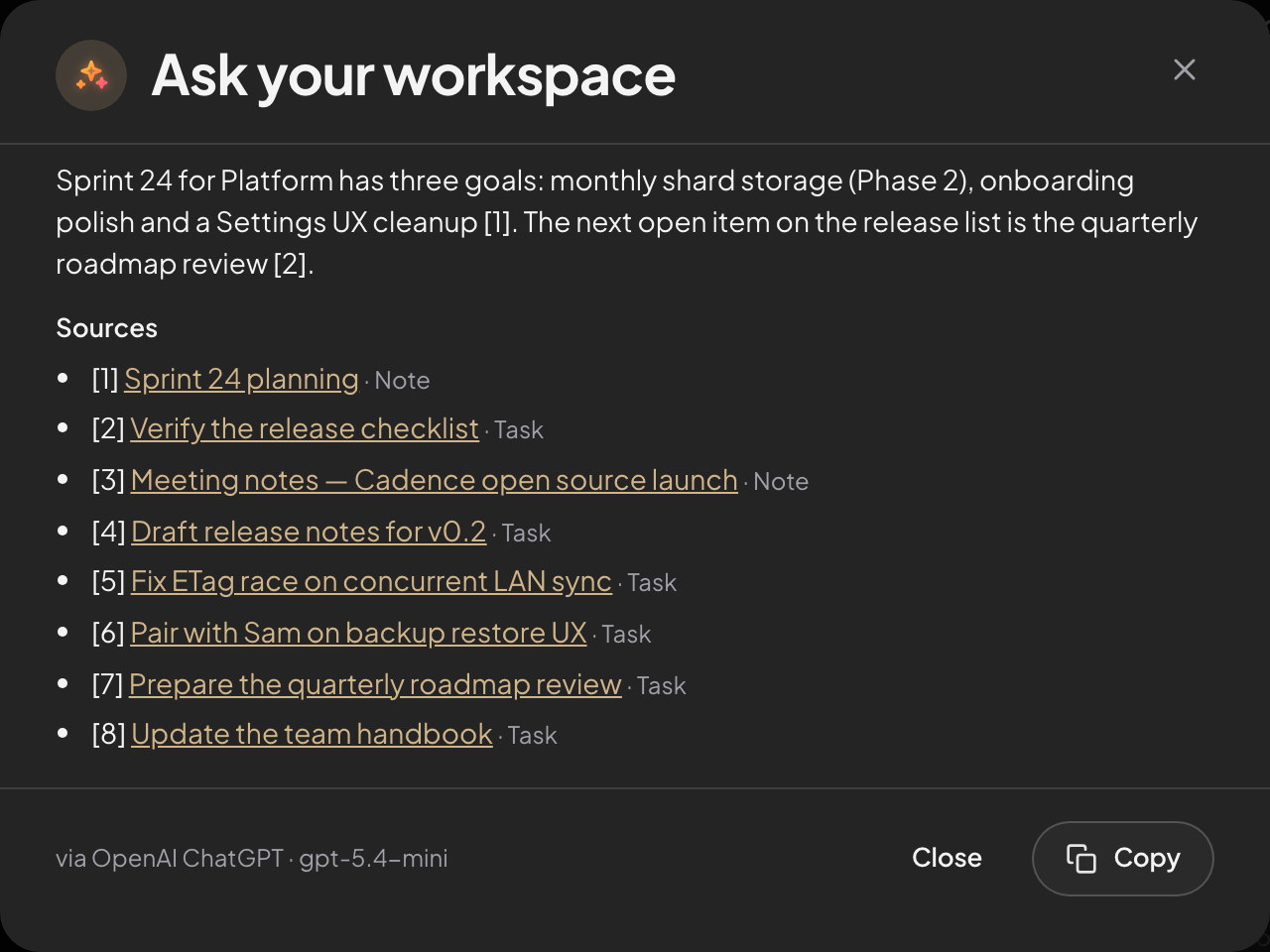
Ask your workspace
Ask a question and get an answer that cites your own notes and tasks, each a link. The best matches are found on your computer and only short excerpts are sent.
Citations · Optional search by meaning
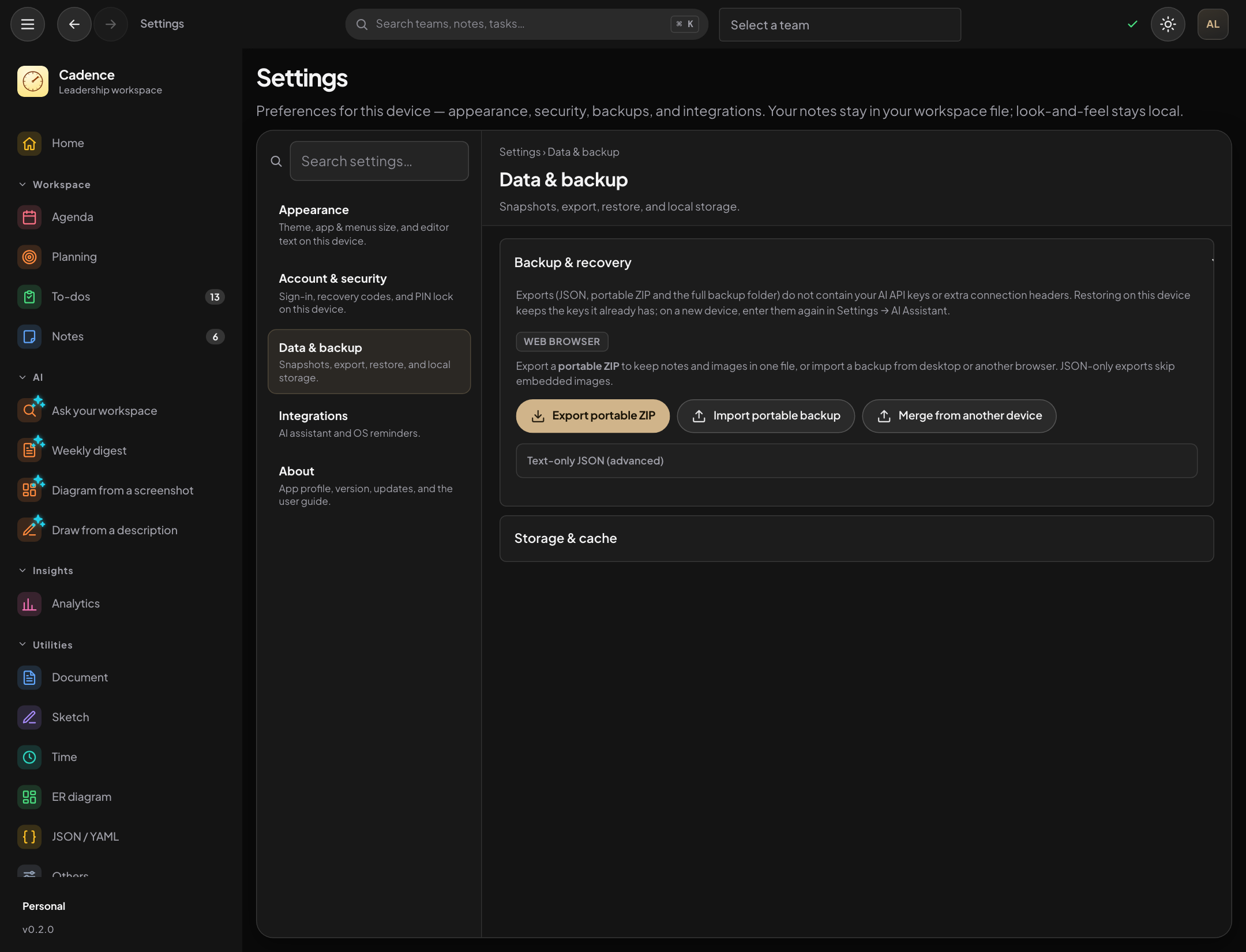
Your provider, or your own gateway
Anthropic Claude, OpenAI ChatGPT, Google Gemini, or a custom
gateway: any router, proxy or model server, including one
your company runs. Set the address, key and model, and pick
the API format it speaks.
OpenAI Chat · OpenAI Responses · Anthropic · Gemini
Several connections, routed
Keep more than one connection and choose which one serves
notes and tasks and which serves people data. A built-in
check tells you whether a connection returns reliable JSON.
Feature routing in Settings
People data stays under your control
1:1 and feedback context only goes to connections you
explicitly allow. A model running on this computer is allowed
by default; hosted providers and company gateways are not.
Each result shows what was read and what was sent.
Allowed per connection
Off completely
No key, no AI — the rest of the app works exactly the same.
The whole AI surface is gated behind "is a connection
configured?" so an offline workspace is the default,
not a degraded mode. Organizations can switch AI off, or limit
it to approved hosts, by policy.
No telemetry either way